CJW Apps
Audiobook and ebook apps for Android and Windows
Audiobook Library
All your audiobooks in one place — streamed straight from your cloud.
Audiobook Library brings together the audiobooks on your phone or PC and in your OneDrive and Google Drive, and plays them without downloading whole books first. Built for big collections: thousands of books, tens of thousands of files. For Android and Windows.
Get it
- Windows: Microsoft Store (listed as “Audiobook Library Player”)
- Android: coming soon to Google Play
Screenshots
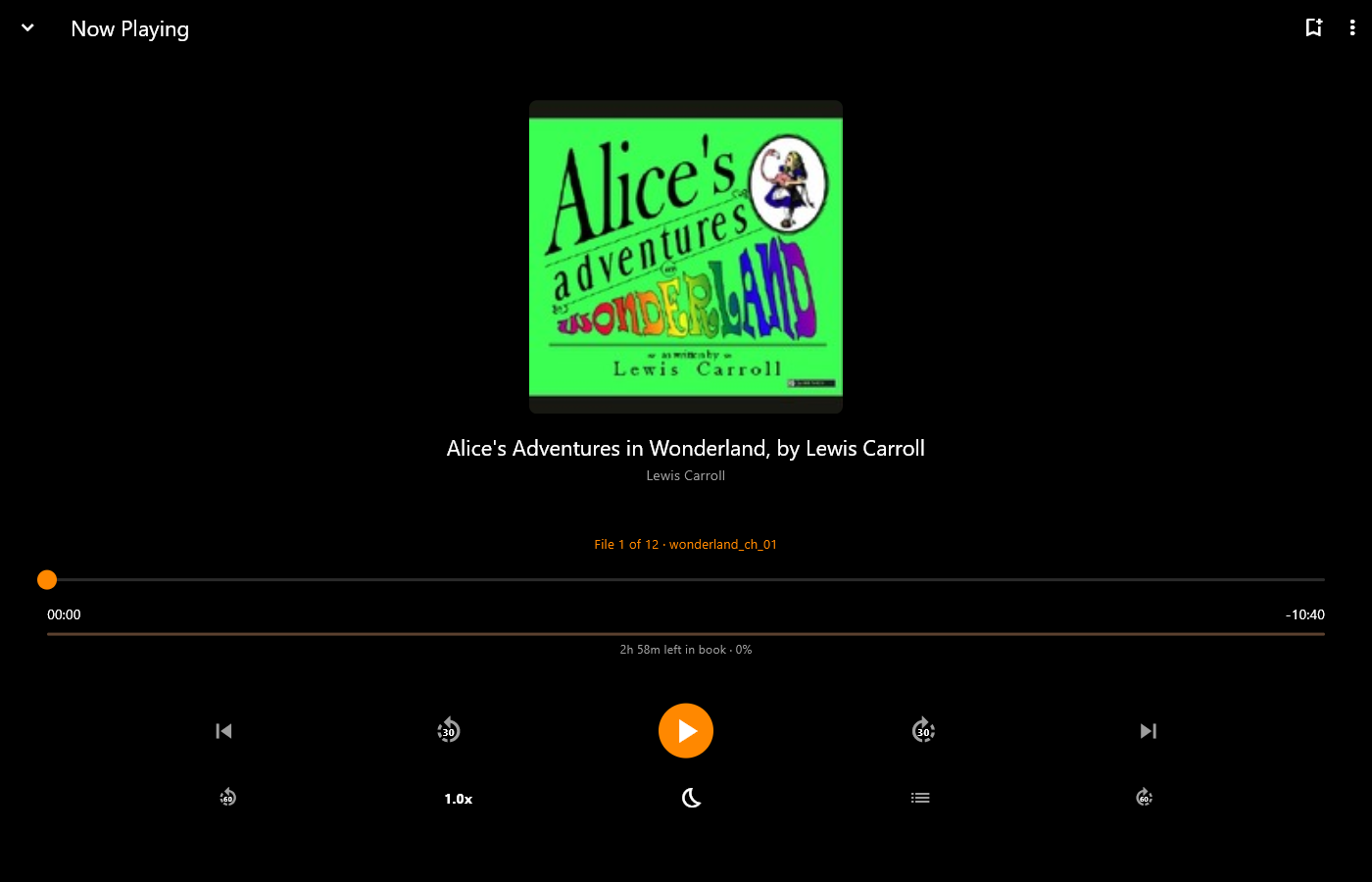
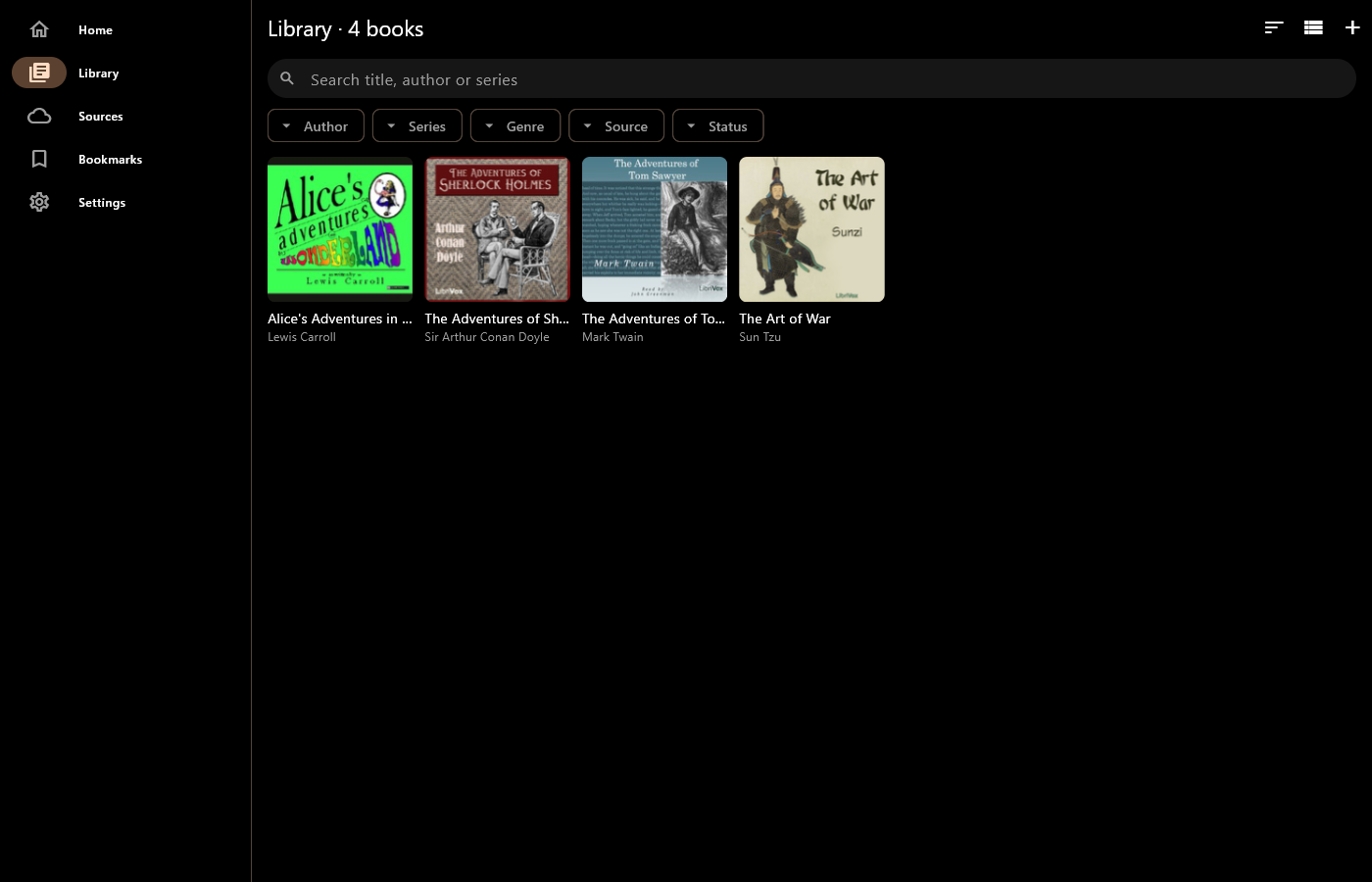
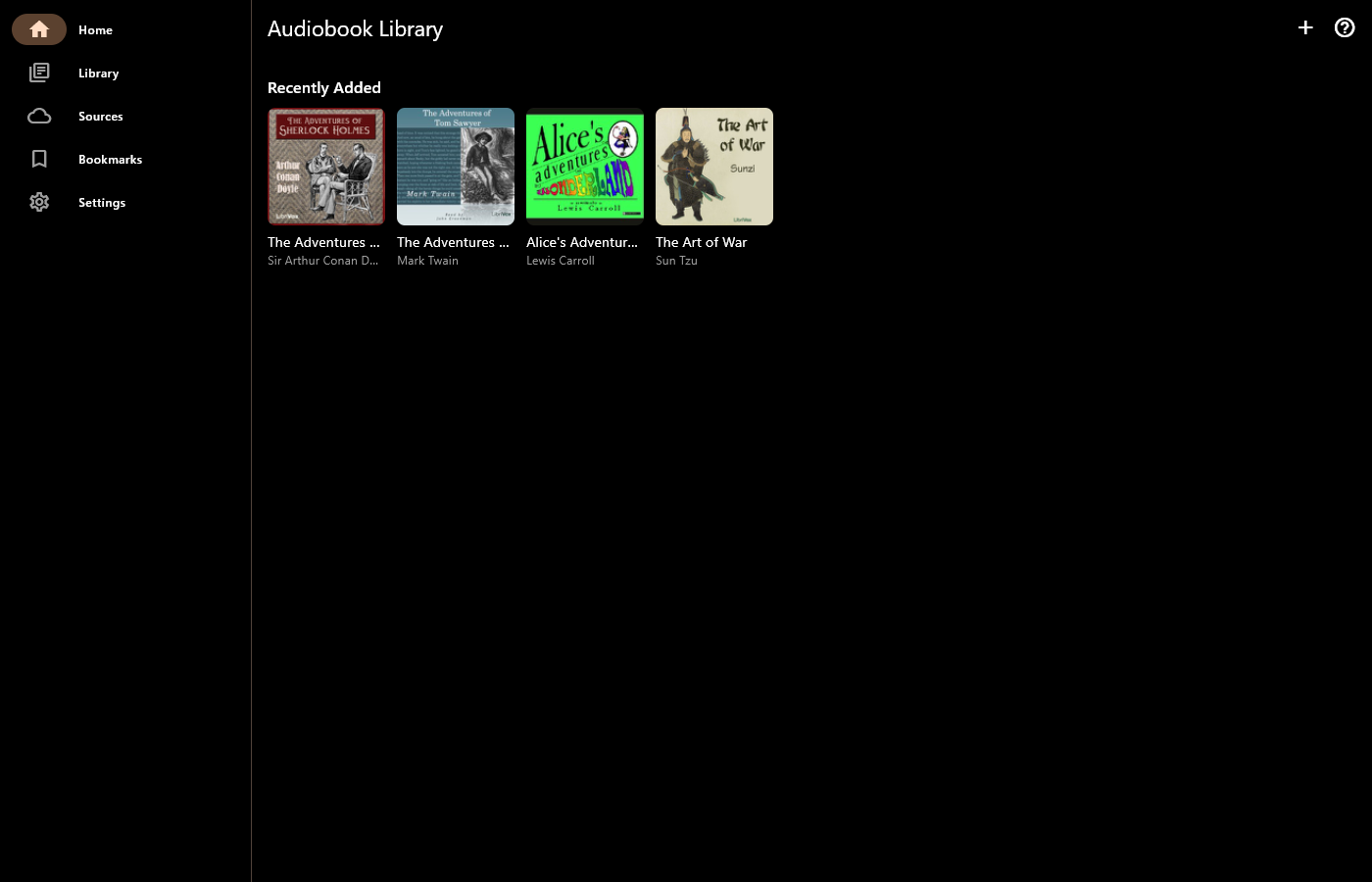
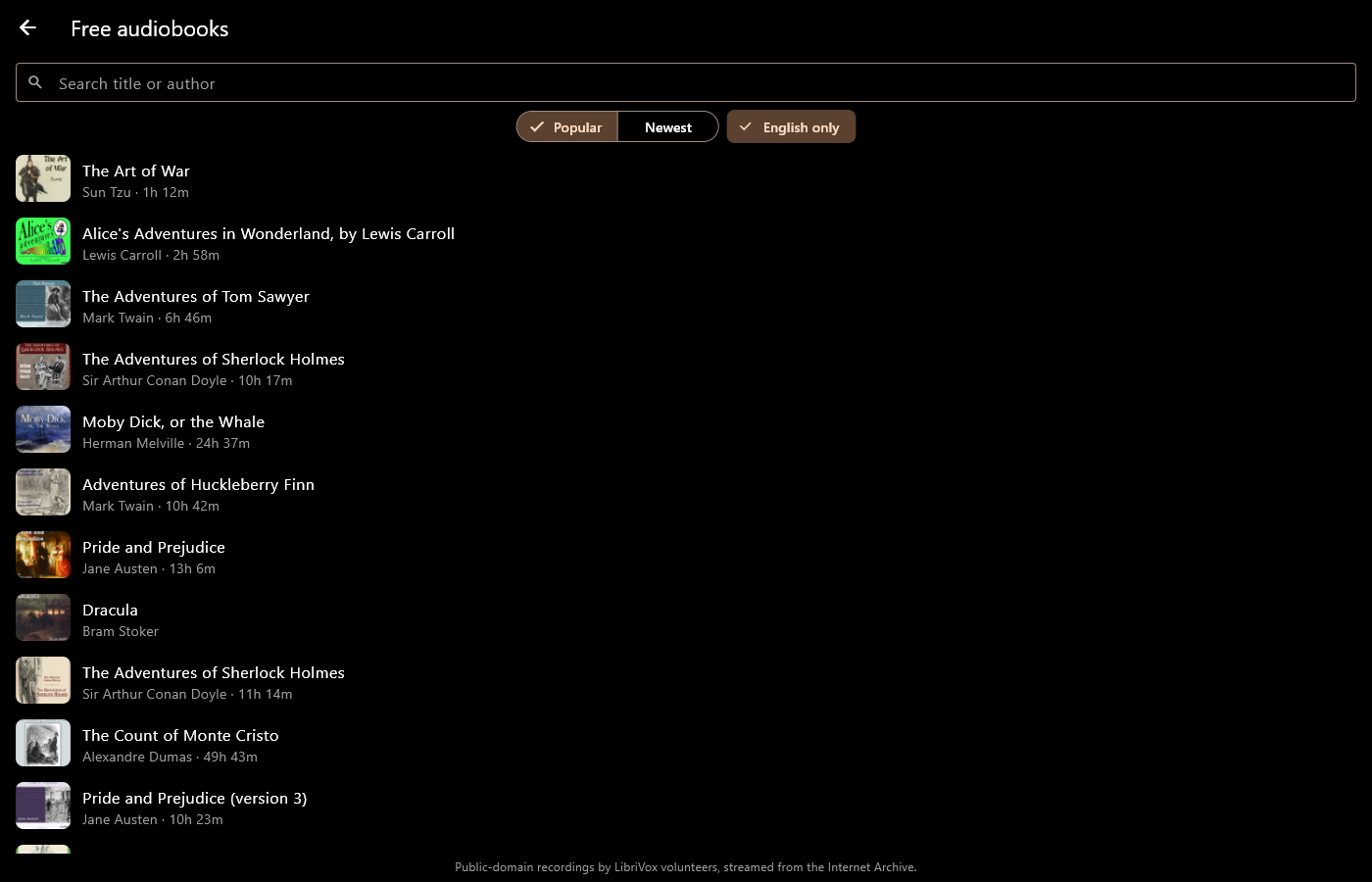
Windows, with free LibriVox audiobooks.
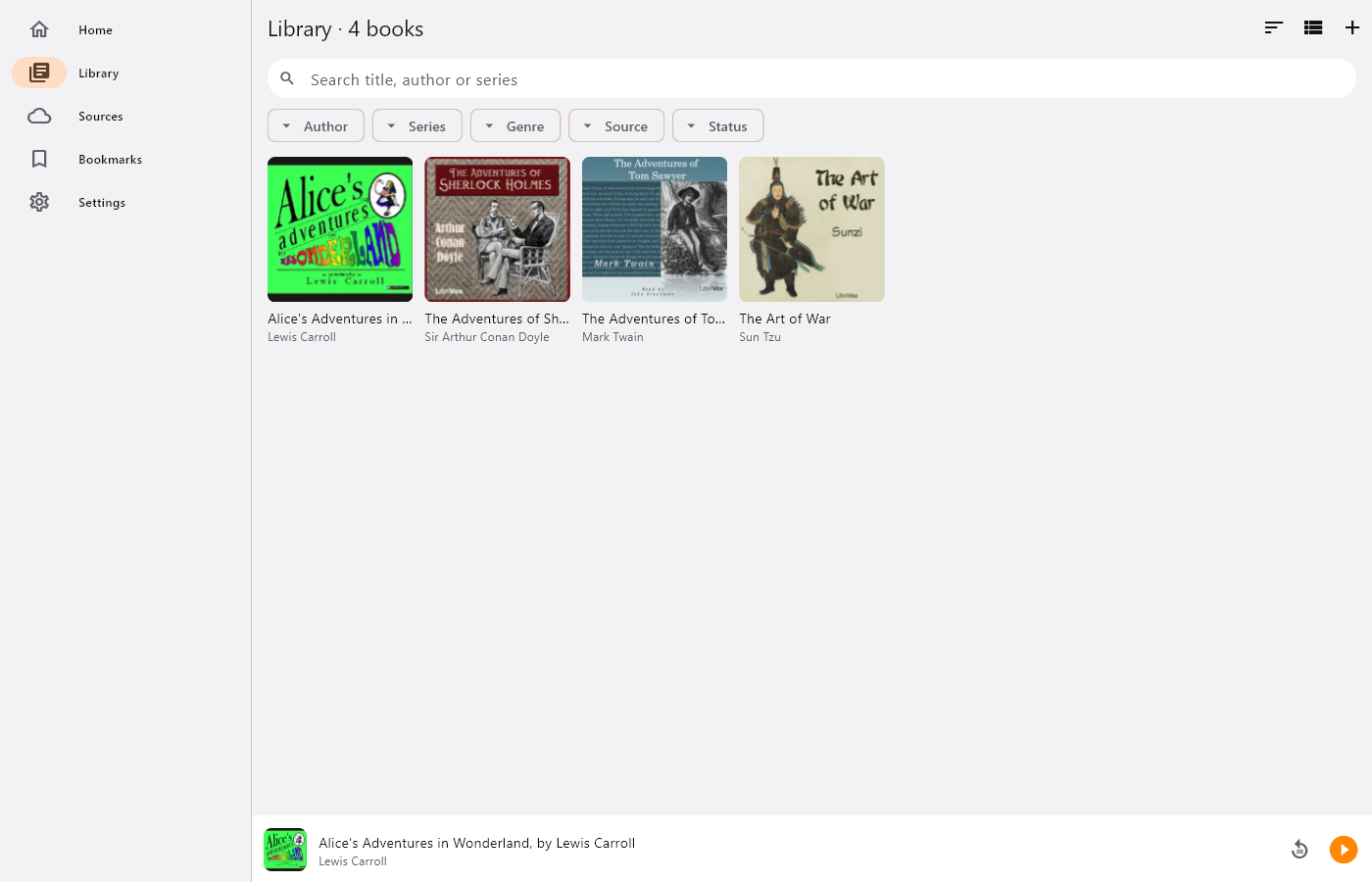
Your library, sorted for you
- Add a folder or connect OneDrive / Google Drive: books are found automatically. A folder of MP3s becomes one book, each M4B is a book, and CD and disc folders are merged
- Covers, titles, authors, narrators and chapters are read from your files, even in the cloud, without downloading the audio
- Search, and filter by author, series, source or listening status
- Continue listening, series in progress and recently added on the home screen
- Free audiobooks: browse and stream over 20,000 classics read by LibriVox volunteers, no account needed
A player made for audiobooks
- Chapter-by-chapter seek bar, time left in the chapter and the book
- Speed from 0.75× to 3×, remembered per book
- Smart rewind, and undo a big jump with one tap
- Sleep timer by time or end of chapter, with a gentle fade-out
- Bookmarks with notes, even from the lock screen
- Background playback, lock-screen and headphone controls, Android Auto, and the Windows media keys
Pro (one-off purchase)
- Download any book for offline listening: LibriVox, OneDrive and Google Drive
- Match book: narrator, series, description, cover and chapters found online
- Edit a book’s details and cover by hand
- Save details, cover and chapters into your audio files, and upload them over the originals in your cloud storage
Private by design
No account, no ads, no tracking. You sign in to Microsoft or Google on their own pages, and your files are only changed when you ask.